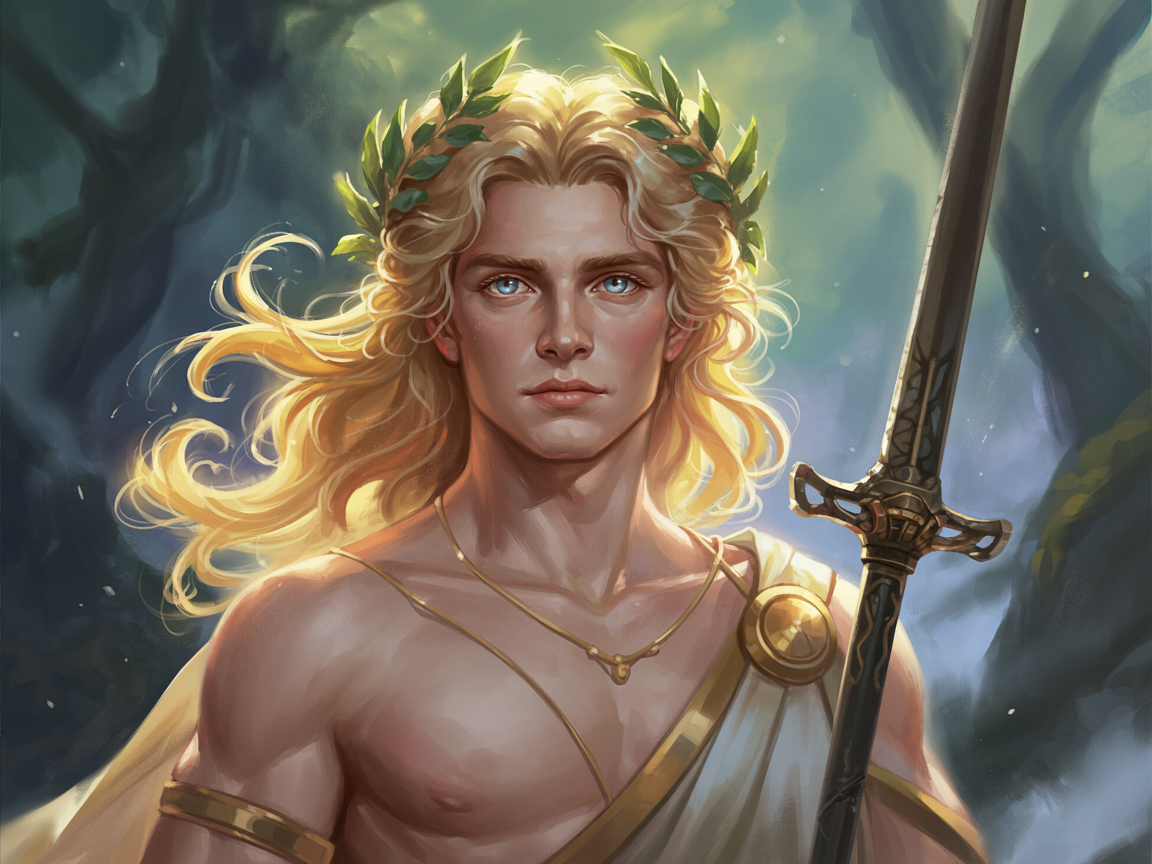

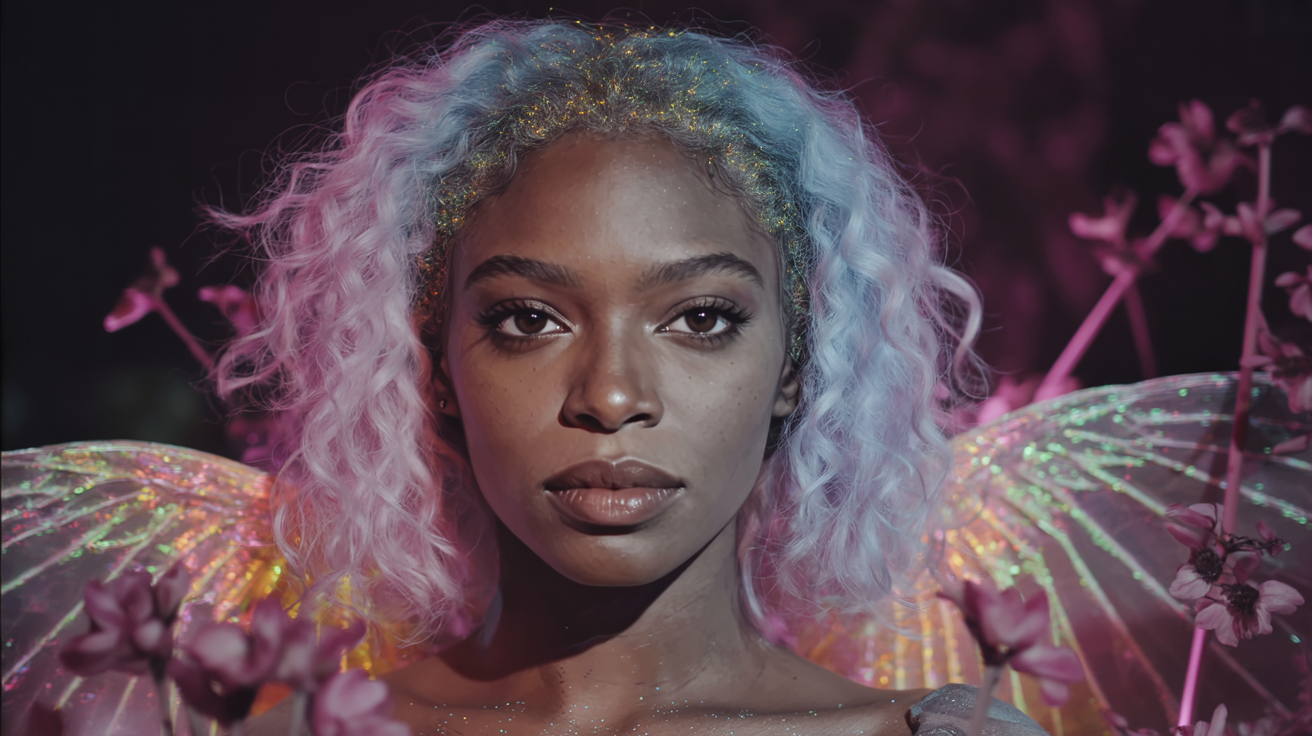
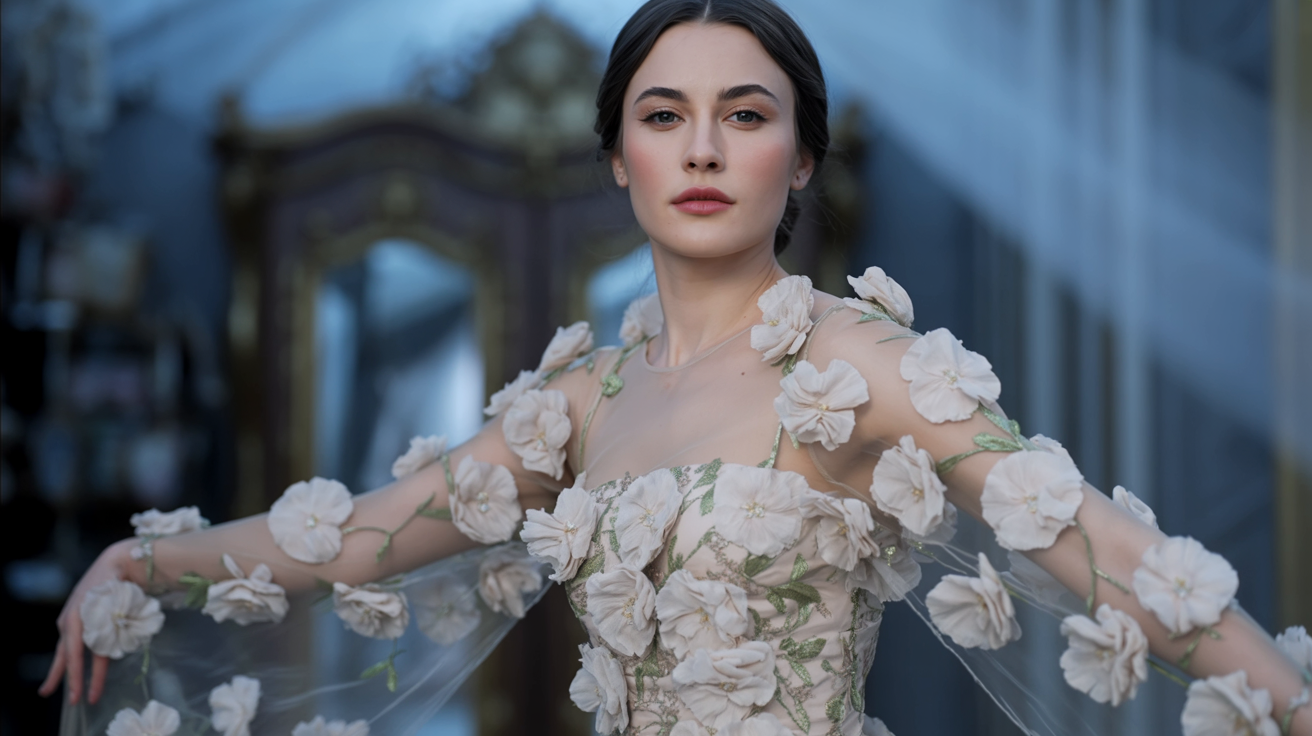

README
Complete guide to using ideogram/character-edit
Ideogram Character : Ensuring Perfect Character Consistency
Deepai.Org.AI's Ideogram Character empowers you to generate, edit, and remix characters with unmatched visual consistency. Maintain precise control over facial features, proportions, and style across any scene and artistic context, from concept art to final renders.
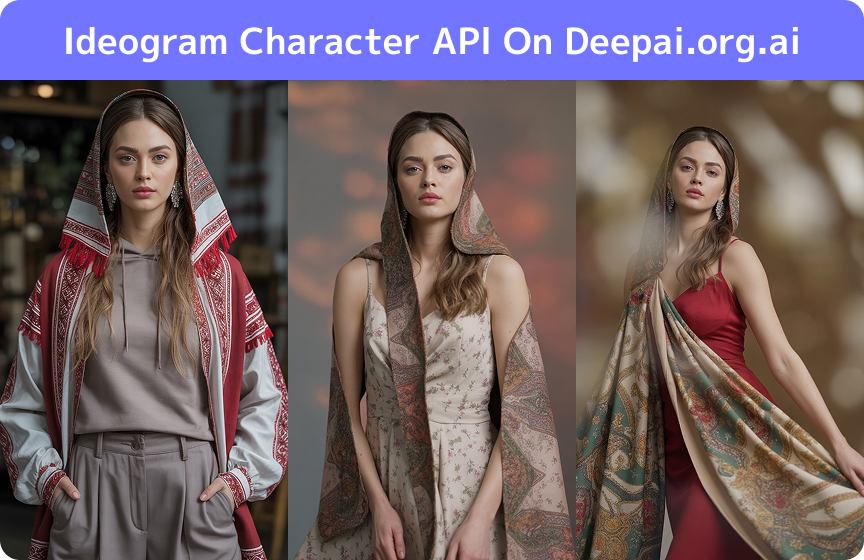
Key Features of Ideogram Character
Key features of Ideogram Character on Deepai.org.ai highlight its improvements in character consistency, facial feature preservation, and style flexibility.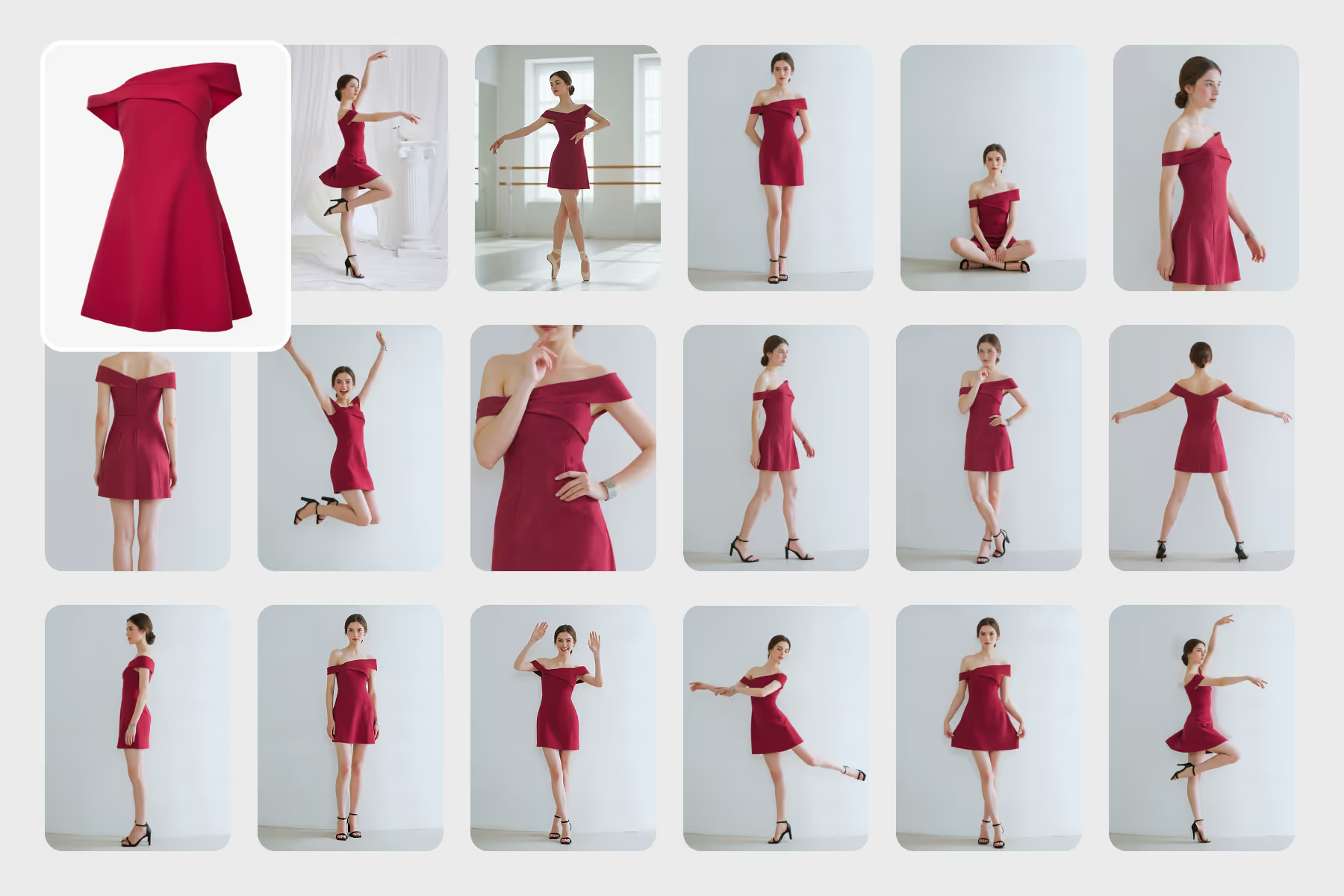
Ideogram Character : Create Photorealistic AI Images with Precision
The Ideogram Character generates stunning, photorealistic images by giving you advanced control over lighting, perspective, and composition. It expertly renders complex environments and spatial layouts while maintaining consistent character features, delivering natural-looking, professional-grade visuals for any project.
Master Both Text and Image-Driven AI Generation with Ideogram Character
Unlock a unified platform for AI visual creation. With Ideogram Character, you can create from text prompts or use image-to-image workflows to transform photos with masks, reframes, and remixes. This end-to-end capability streamlines your entire creative process, from initial concept to final asset, while preserving character identity.
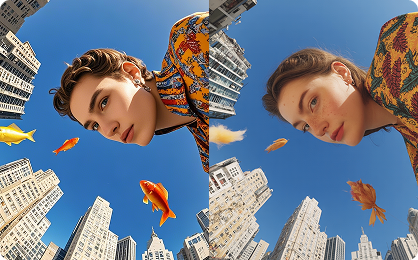
Tips for Using Ideogram Character Effectively
How to Choose a High-Quality Reference Image for Ideogram Character
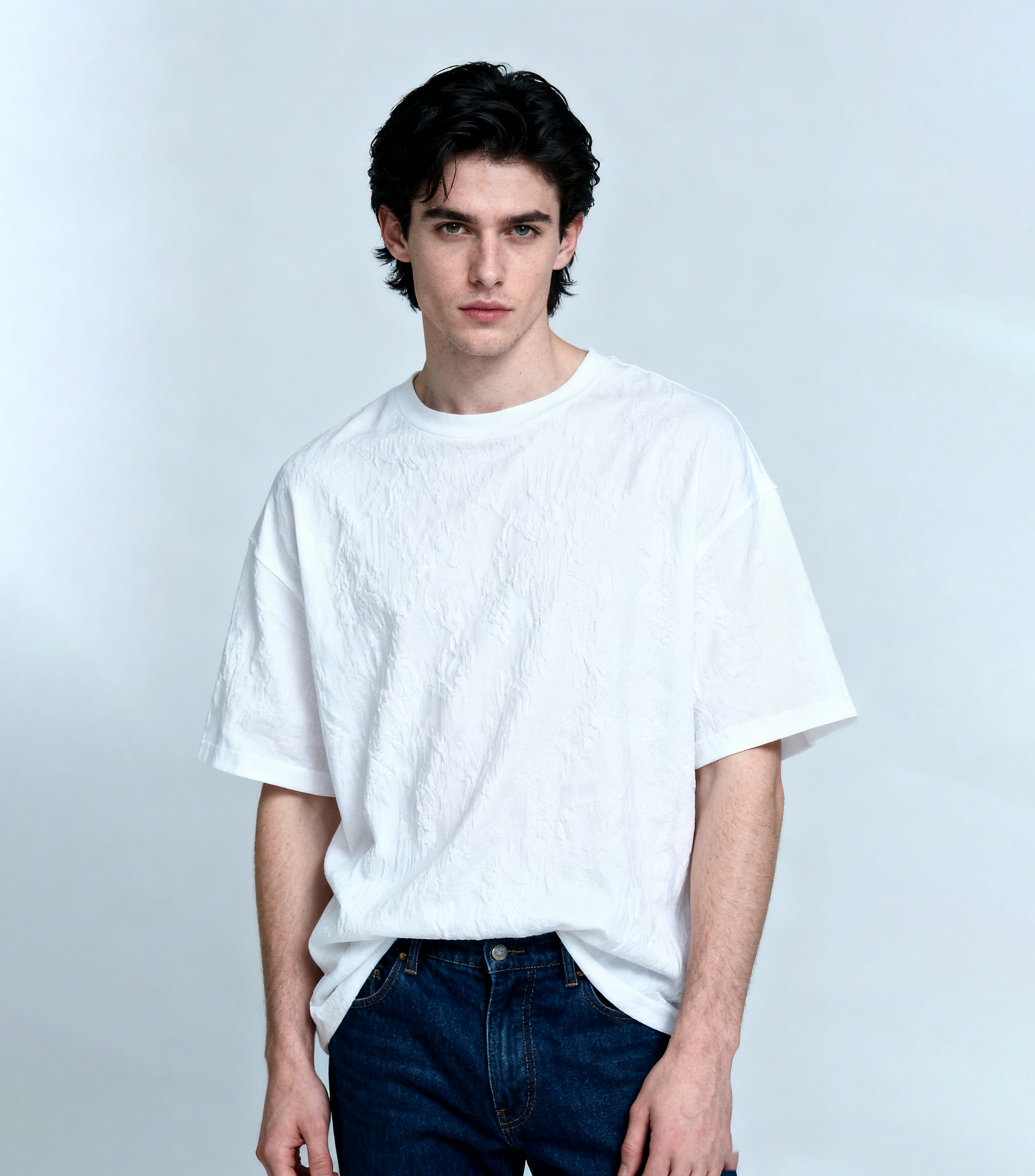
For optimal results with the Ideogram Character, start with a single, high-resolution reference image. Ensure it has clear, unobstructed facial features in a frontal or ¾ view, with good lighting and no shadows or blur. A sharp, well-lit portrait will capture distinct traits like facial structure and hairstyle far more effectively than a low-quality or heavily angled photo, laying the foundation for perfect character consistency.
How to Write Effective Prompts for Ideogram Character
Unlock the full potential of the Ideogram Character by crafting detailed, descriptive prompts. Specify the setting, mood, and style—like "a hopeful character on a vibrant tropical beach at sunrise" or "a mysterious figure in a dramatic, dimly lit ballroom." Avoid vague language and use powerful descriptors such as "photorealistic," "cinematic," or "anime-style" to guide the AI and ensure highly accurate, tailored results.

Use Consistent Reference Images for Reliable Character Identity
To ensure reliable character consistency with the Ideogram Character, always use the same high-quality reference image across all your prompts. This practice is key to preserving the character's core visual identity—such as facial features and hairstyle—while generating seamless variations across diverse contexts, from futuristic cities to historical settings.
How to Get Accurate Results: Verify Your Ideogram Character Inputs
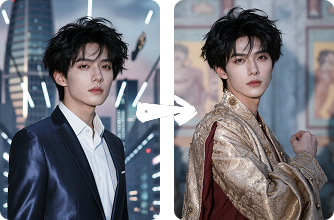
The key to accurate AI character generation lies in input compatibility. Always start by verifying two things: a reference image with clear facial features, and a text prompt that is descriptive yet concise. When crafting scenes, break down complexity by detailing specific components (e.g., "misty forest background," "dramatic overhead lighting," "character drawing a sword"). This proactive approach guides the AI effectively, minimizing errors and ensuring high-fidelity outputs.