Examples
Explore different use cases and parameter configurations



README
Complete guide to using FLUX.1-Kontext
Ideogram FLUX.1-Kontext : Key Features of FLUX.1 Kontext - Pro & Max Versions
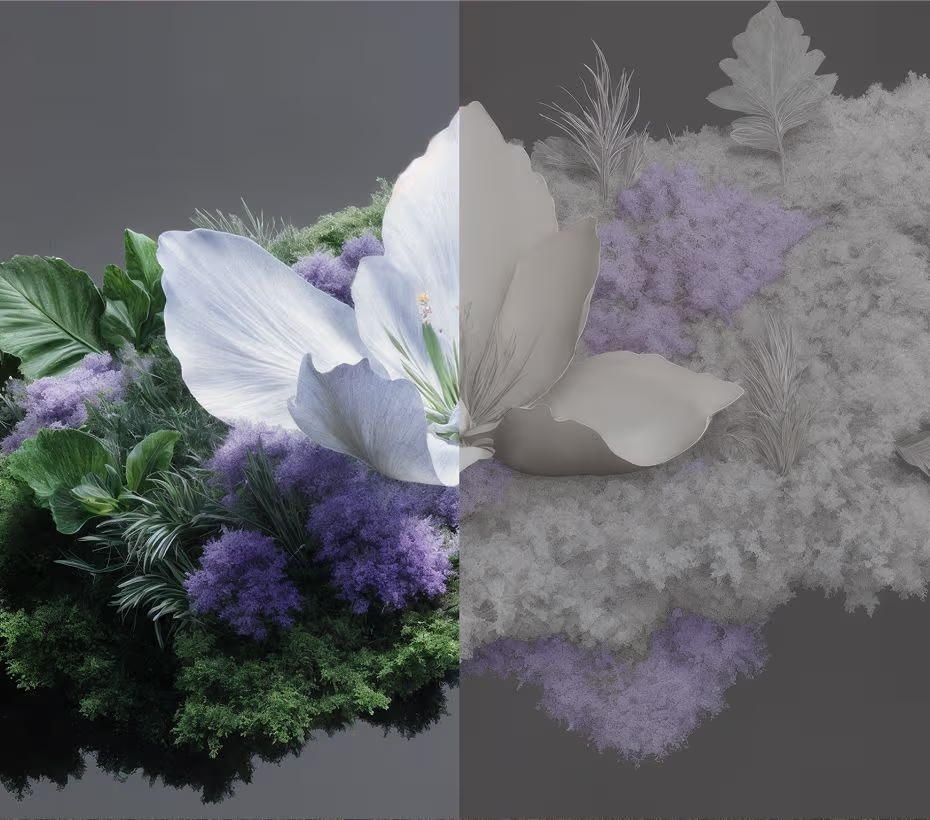
Effortless Image Transformation
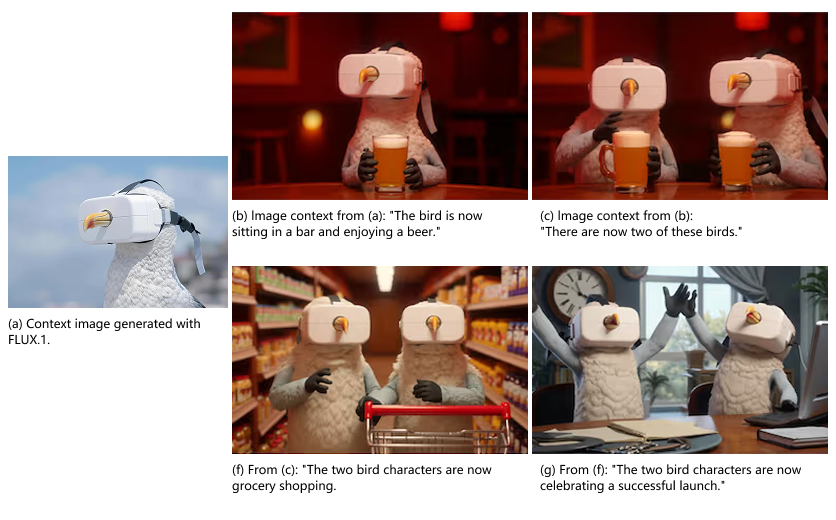
Edit images effortlessly using simple text commands. FLUX.1 Kontext instantly adjusts colors, swaps objects, and transforms styles through intuitive natural language prompts. Achieve professional edits faster with precise, AI-powered transformations.
Ultra-Fast Performance with FLUX.1 Kontext [Pro]
Get 8x faster image processing with FLUX.1 Kontext [Pro]. This optimized AI model delivers rapid turnaround for quick edits and high-volume workflows, maintaining quality while significantly outpacing alternatives like GPT-Image. Ideal for production environments needing reliable, speedy results.


Premium Precision with FLUX.1 Kontext [Max]
FLUX.1 Kontext [Max] offers maximum performance with enhanced precision. Ideal for complex tasks, it provides better typography, consistency, and overall accuracy, making it the go-to choice for iterativeFLUX.1 Kontext Features designs and detailed workflows.
Non-Destructive Editing for Flawless Results
Both the [Pro] and [Max] versions allow non-destructive editing, which means changes are made without altering the original image, enabling you to refine and adjust your content endlessly without loss of quality.